Before you begin
What you’ll need
- Publications visible in the workspace
- Permission to manage publications
- Permission to download mailing data
- A recent secure identity check for release and recipient changes
Create a publication and issue
Publication details, protected files, recipients, and fulfillment stay connected. Follow the issue workspace in order: Issue, Files, Review & publish, Recipients, Print mailing, and Email delivery.
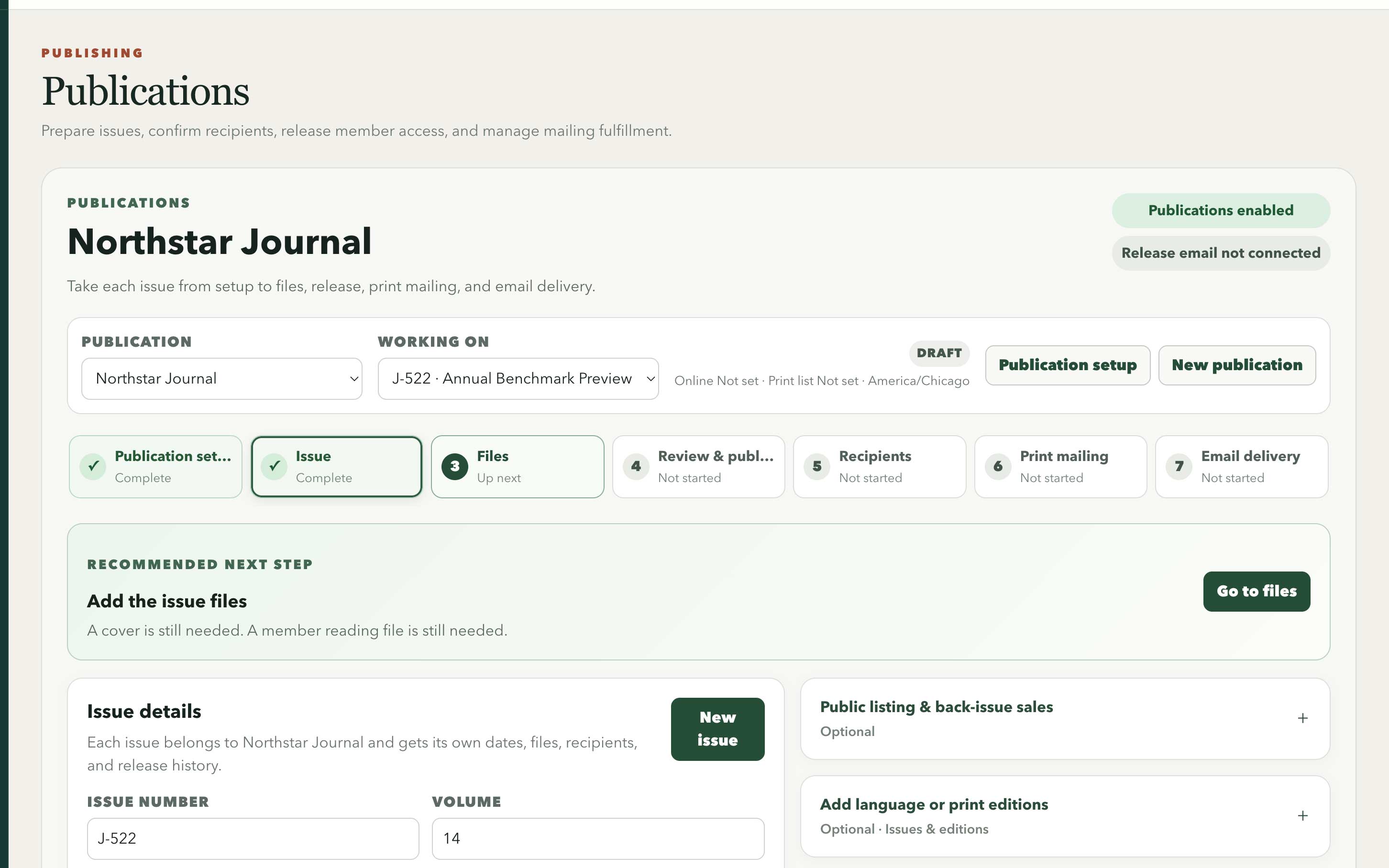
A staged issue workspace keeps content readiness, release, recipients, and fulfillment in a deliberate sequence.
Swipe or use arrow keys to inspect the full view- Open Publications and choose Set up publication. Add the name, schedule, member-facing description, and who should receive it.
- Choose New issue and enter its number, title, cover date, and volume when required. Save the private draft and continue to files.
- Open Files and add the approved cover and protected reading file.
- Continue to Review & publish. Set the online release date and print cutoff, save dates and check readiness, then review the expected audience.
- Keep the issue unpublished until its content and recipient rules are approved.
Release a protected issue
Publishing makes the issue available on its chosen date and saves the final audience used for online access, print fulfillment, and email delivery.
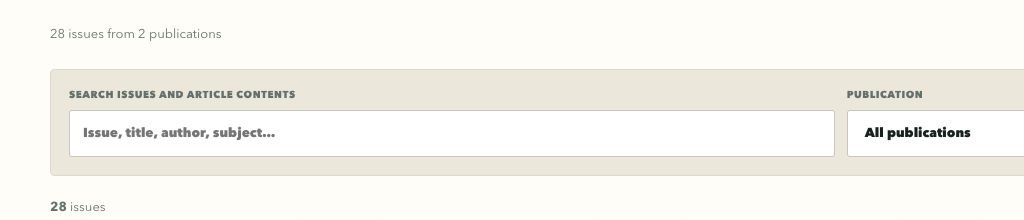
Northstar exposes searchable issue and table-of-contents metadata only; this synthetic demo seeds no reading file or ordering path.
Swipe or use arrow keys to inspect the full view- Open Review & publish and confirm the protected reading file, cover, issue details, and publication date.
- Review expected online and print recipients, including any documented one-member overrides.
- Publish the issue to save the final audience.
- Open Recipients and verify online access with an eligible test member.
- Open Email delivery to watch release-email progress when email is enabled.
Prepare a print mailing export
Mailing lists contain sensitive contact information. Each saved list is based on the final issue audience and recorded delivery preferences.
- Open Print mailing and review missing, invalid, international, and multi-copy address problems.
- Confirm the issue cutoff and final print-recipient count.
- Choose a saved mailing format. IAA / YGS matches the printer workbook, or use Create a format to choose headers, fields, column order, blanks, fixed text, and Excel or CSV.
- Save the format as the publication default to reuse it for future issues. Create the mailing list and check missing name or address fields in its preview before downloading.
- Download the mailing file and record the printer handoff. Saved lists keep their original data and format when a template changes.
- Store the export only in the approved fulfillment location and remove working copies according to policy.
- Record returns and replacements against the issue so later counts remain explainable.
Handle changes after the final audience is saved
A later address or membership change should not silently rewrite what was sent to a printer or who was eligible on release day.
- Update the member profile so future issues use the new information.
- Record a replacement or fulfillment correction for the current issue when needed.
- Preserve the original recipient list and mailing history so the organization can explain what happened.