A digital member card
Keep the member’s organization, membership option, member number, current standing, and valid-through date together in a card designed for quick reference.
The year-round member home
Bring publications, organization updates, benefits, people, Member Exchange, messages, and membership details together on the web and in the MembershipPortal app for iPhone and iPad.
Preparing for a limited pilot. Production use follows an organization-specific migration, rehearsal, configuration, and approval.
The governing idea
Each organization carries its own identity, publications, protected resources, current membership decision, and community features into one coherent member experience.
Civic Heritage Society in practice
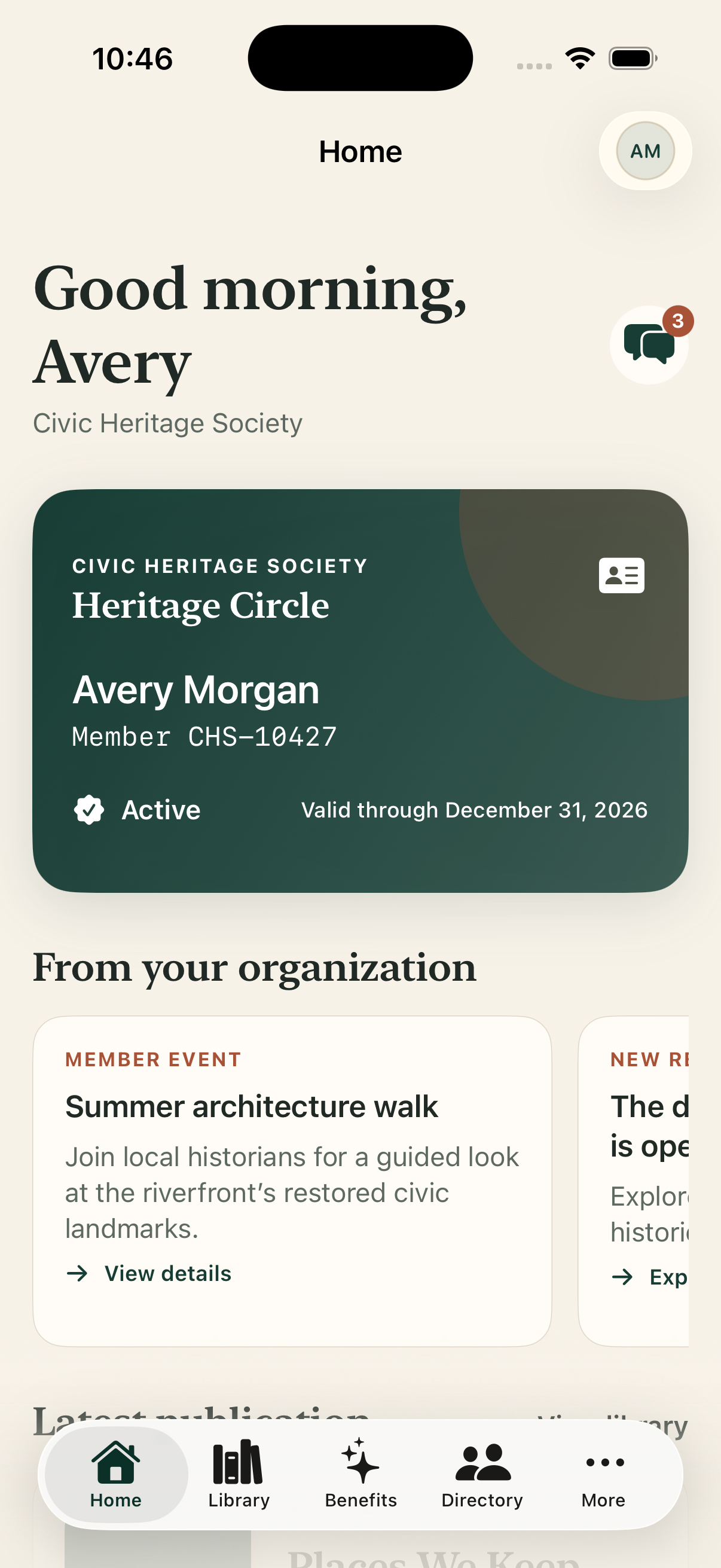
The iPhone app puts the digital member card, organization updates, publications, benefits, directory, and more behind one familiar member home.
Swipe or use arrow keys to inspect the full view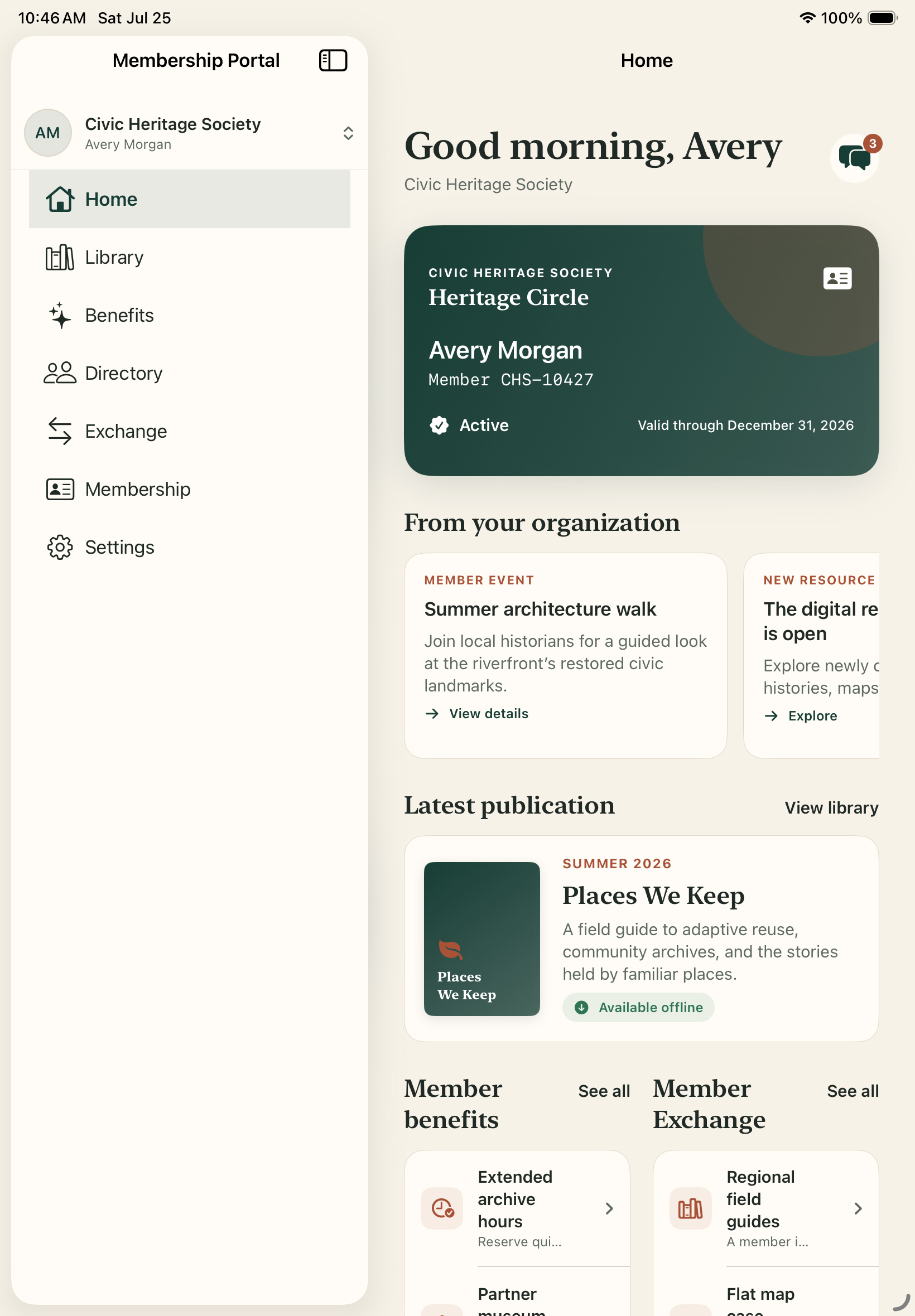
The iPad app gives members more room to explore publications, benefits, people, and Member Exchange.
Swipe or use arrow keys to inspect the full viewA useful home
01The member home brings identity, standing, timely organization updates, and useful destinations together before transactional account controls.
Keep the member’s organization, membership option, member number, current standing, and valid-through date together in a card designed for quick reference.
Bring organization announcements, new resources, publications, and member messages into the home experience with clear next actions.
Carry approved organization naming, colors, content, benefits, and navigation into a consistent member experience on iPhone and iPad.
Membership in motion
02Members move from standing to reading, benefits, people, and community activity without needing to understand the systems behind each decision.
Let eligible members open the current publication and protected library from the same membership decision used by staff and fulfillment workflows.
Help members find included benefits and opted-in directory profiles while respecting organization policy and each member’s privacy choices.
Give eligible members a private place to browse wanted and for-sale notices and use protected inquiries without publishing personal contact details.
One membership truth
03The mobile experience stays connected to the same records, membership periods, publication decisions, and access rules staff use.
Reflect the verified membership period and approved organization policy instead of keeping a separate mobile-only status.
Resolve app access against the selected organization and verified member relationship, with module availability controlled by the organization.
Give staff the operational context behind membership, publication, benefit, directory, and community access when a member needs help.
Direct answers
Each answer links to the practical product guidance behind it.
Yes. The MembershipPortal app for iPhone and iPad gives each organization a tailored member home with its identity, digital member card, publications, benefits, directory, Member Exchange, messages, and membership details. See how members get access
Yes. Eligible members can open protected publications and configured resources after MembershipPortal verifies the member, organization, current membership period, and applicable access rules. Read about protected access
Organizations can offer a member directory and Member Exchange when those features are enabled. Members control the information they publish, and exchange listings remain subject to organization policy. Read about Member Exchange